
TikTok Repost Remover Extension: Complete Guide for Chrome & Edge (2026)
Looking for a TikTok all reposted videos remover? Learn how to install and use the ClearTok browser extension - a free, safe TikTok repost remover extension for Chrome and Edge that deletes all reposts in one click.
TL;DR
- ClearTok is a free TikTok repost remover extension for Chrome and Edge.
- It removes all your TikTok reposts in one click — no password required.
- Works on Windows, Mac, and Linux through any Chromium-based browser.
- Safe, local, and open-source with human-like pacing.
👉 Install ClearTok for Chrome | Install for Edge
What Is a TikTok Repost Remover Extension?
A TikTok repost remover extension is a browser add-on that automates the process of deleting reposts from your TikTok profile. Instead of manually tapping "Remove Repost" on each video one by one, the extension handles everything with a single click.
If you've been searching for:
- "tiktok all reposted videos remover"
- "remove all reposts tiktok extension"
- "tiktok repost bulk delete"
- "all repost remover extension"
...then you're in the right place. This guide covers everything you need to know.
Why Use an Extension Instead of Manual Deletion?
| Method | Time for 100 Reposts | Effort | Risk |
|---|---|---|---|
| Manual (one by one) | 30-60 minutes | High (repetitive taps) | Low |
| Extension (ClearTok) | 3-5 minutes | One click | Low (local, no password) |
| Third-party apps (APK) | Varies | Medium | High (password required) |
Key benefits of using an extension:
- ⚡ Speed: Remove 500+ reposts in under 20 minutes
- 🔒 Safety: Runs locally in your browser, no password needed
- 👀 Transparency: Watch every action happen on screen
- 📊 Tracking: Export a log of all removed reposts
ClearTok: The Best TikTok Repost Remover Extension
Why ClearTok?
ClearTok is specifically designed to be the safest and most reliable TikTok all reposted videos remover available:
| Feature | ClearTok |
|---|---|
| Price | Free |
| Browsers | Chrome, Edge, Brave, Arc, Opera |
| Password Required | ❌ No |
| Works on Desktop | ✅ Yes |
| Open Source | ✅ Yes |
| Export Log | ✅ URLs & timestamps |
| Rate Limit Protection | ✅ Human-like delays |
Supported Browsers
ClearTok works on all Chromium-based browsers:
- ✅ Google Chrome (most popular)
- ✅ Microsoft Edge (official store listing)
- ✅ Brave Browser
- ✅ Arc Browser
- ✅ Opera / Opera GX
- ✅ Vivaldi
How to Install ClearTok Extension
For Google Chrome
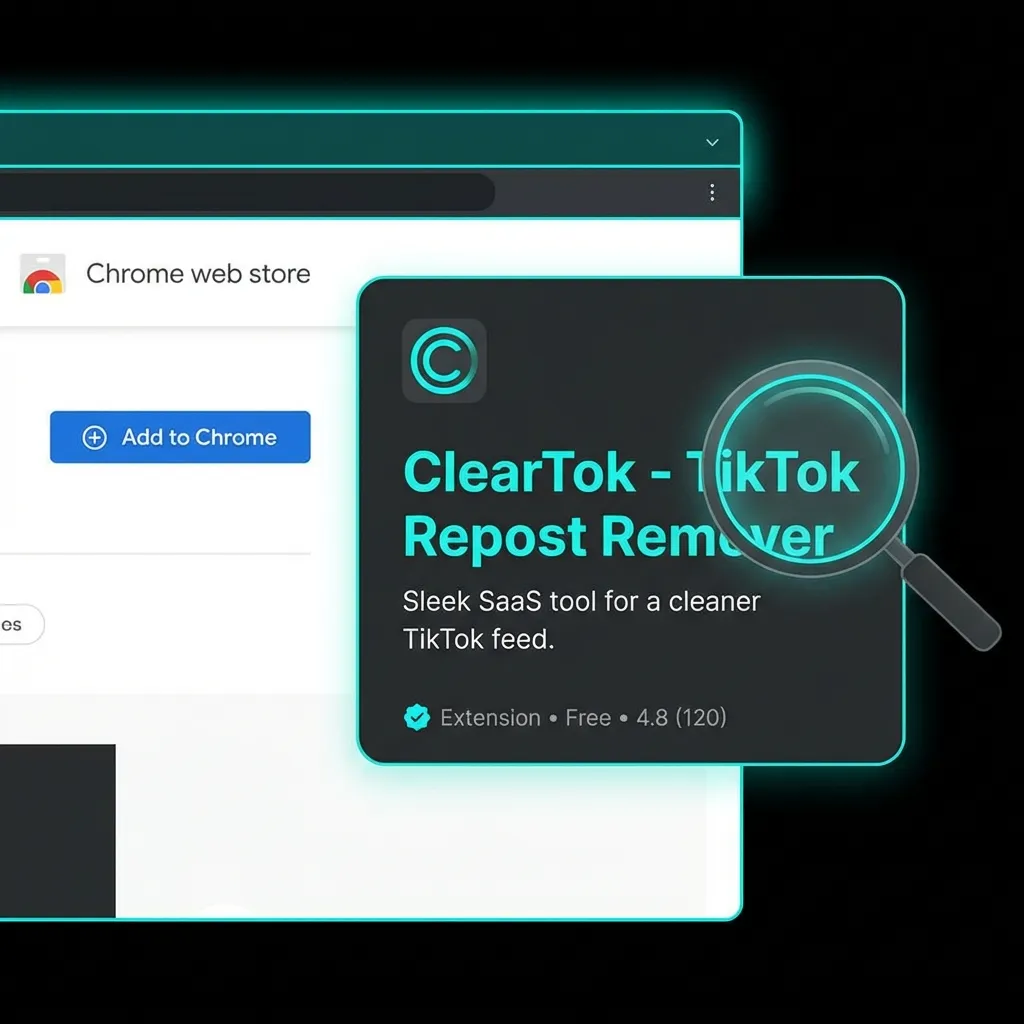
- Visit the Chrome Web Store - ClearTok
- Click "Add to Chrome"
- Confirm by clicking "Add Extension"
- Pin the extension to your toolbar for easy access
For Microsoft Edge
- Visit Edge Add-ons - ClearTok
- Click "Get"
- Confirm by clicking "Add Extension"
- The ClearTok icon will appear in your toolbar
For Brave, Arc, Opera, Vivaldi
These browsers can install Chrome extensions directly:
- Go to the Chrome Web Store - ClearTok
- Click "Add to Chrome" (the button text may vary)
- Confirm the installation
How to Use ClearTok to Remove All Reposts
Step 1: Open TikTok.com
Navigate to tiktok.com in your browser and make sure you're logged in to your account.
Step 2: Go to Your Reposts Tab
Click on your profile, then click the ↻ (two arrows) icon to view your Reposts tab.
Step 3: Click the ClearTok Icon
Click the ClearTok extension icon in your browser toolbar. A popup will appear showing your repost count.
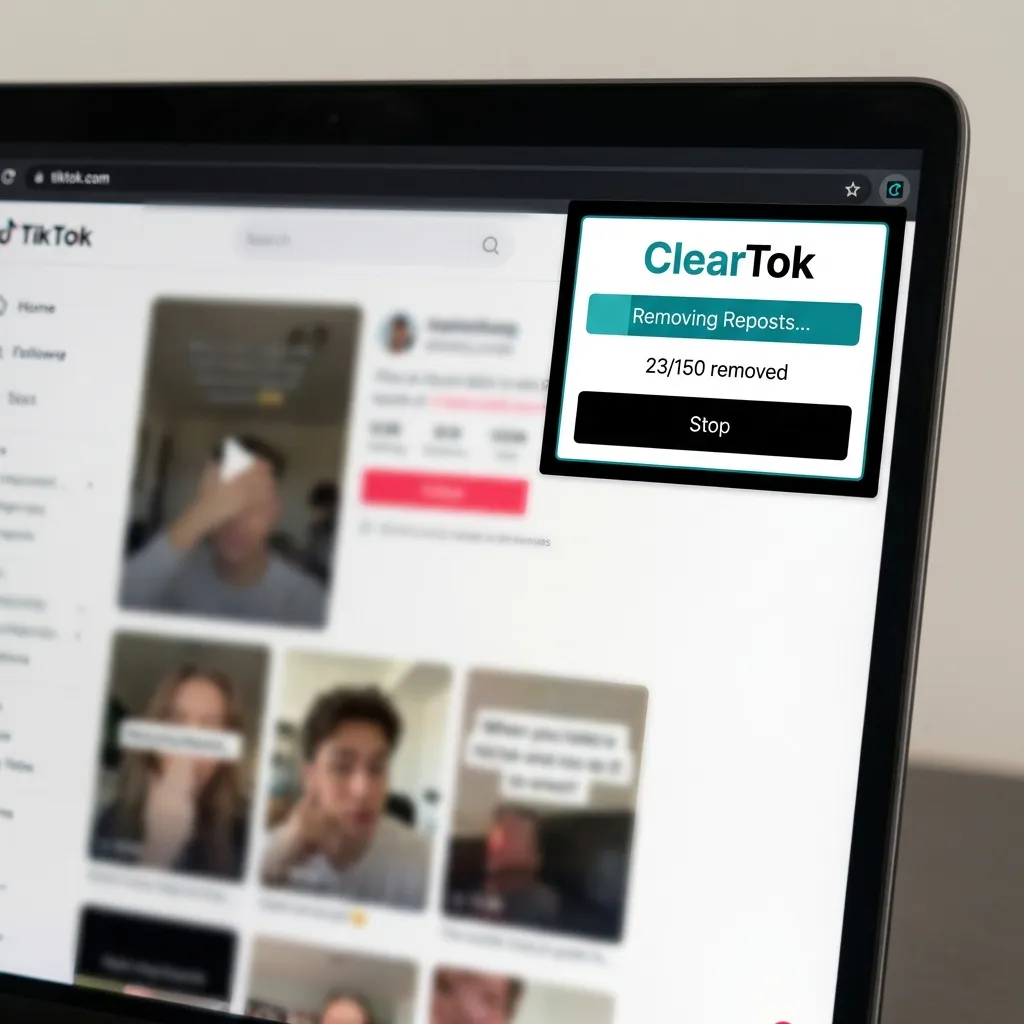
Step 4: Start Removing
Click "Start Removing" and watch as ClearTok automatically removes each repost. You can:
- Pause anytime by clicking the pause button
- Stop completely if needed
- View progress in real-time
Step 5: Export Your Log (Optional)
After completion, you can export a CSV log containing:
- URLs of removed videos
- Timestamps
- Total count
Safety: Why ClearTok Is Secure
Many users search for "is tiktok repost remover extension safe" — here's why ClearTok is designed with security in mind:
✅ What ClearTok Does
- Runs 100% locally in your browser
- Uses visible UI actions (same buttons you'd click manually)
- Adds human-like delays to avoid rate limits
- Never asks for your TikTok password
- Never sends data to external servers
❌ What ClearTok Does NOT Do
- Does NOT access private TikTok APIs
- Does NOT store your session or cookies
- Does NOT run in the background when inactive
- Does NOT delete your original videos (only reposts)
For more details, read: Is It Safe to Use Tools to Remove All TikTok Reposts?
Troubleshooting Common Issues
"Extension not working"
- Refresh TikTok.com and try again
- Make sure you're on the Reposts tab (not Favorites or Videos)
- Check that the extension is enabled in your browser
- Try restarting your browser
"Reposts tab is missing"
TikTok sometimes hides the Reposts tab during UI tests:
- Clear your app cache
- Log out and back in
- Try the Activity Center → History route
- Use desktop browser instead of mobile
"Removal is slow"
This is intentional! ClearTok uses human-like pacing to:
- Avoid triggering TikTok's rate limits
- Ensure each removal completes successfully
- Prevent temporary account restrictions
Tip: For 500+ reposts, run in batches with short breaks.
Advanced Features
Repost Counter
ClearTok includes a free TikTok repost counter that shows:
- Total number of reposts
- Real-time count updates
- Historical tracking
Repost Analytics
Premium users get access to:
- Repost trends over time
- Most reposted content categories
- Detailed removal history
Export & Reporting
Export your complete repost history as CSV for:
- Personal records
- Brand audits
- Content analysis
Frequently Asked Questions
Q: Is there a TikTok all reposted videos remover APK? A: We recommend using browser extensions instead of APKs. APK files often require your TikTok password and can be risky. ClearTok runs safely in your browser without any password.
Q: Does the extension work on mobile? A: ClearTok is a desktop browser extension. For mobile, you'll need to delete reposts manually through the TikTok app.
Q: Will this delete my original videos? A: No. ClearTok only removes reposts (videos you've shared from other creators). Your original uploads are untouched.
Q: Is ClearTok free? A: Yes! ClearTok offers a free tier. For unlimited removals and advanced features, check out ClearTok Premium.
Q: How many reposts can I remove per day? A: Free users can remove a set number per day. Premium users get unlimited removals.
Q: Does it work with multiple TikTok accounts? A: Yes, just log into the account you want to clean on TikTok.com and run ClearTok.
Comparison: ClearTok vs Other Methods
| Feature | ClearTok Extension | Manual Deletion | Mobile APK Apps |
|---|---|---|---|
| Speed | ⚡ Fast | 🐌 Very slow | Medium |
| Safety | ✅ High (no password) | ✅ High | ⚠️ Risky |
| Platform | Desktop browsers | Any | Mobile only |
| Cost | Free | Free | Often paid |
| Bulk delete | ✅ Yes | ❌ No | Sometimes |
| Open source | ✅ Yes | N/A | Usually no |
Get Started Now
Ready to clean up your TikTok profile? Install ClearTok in 30 seconds:
Related Guides
Ready to Try ClearTok?
Stop deleting reposts one by one. Get ClearTok and clean up your entire TikTok profile in minutes.