
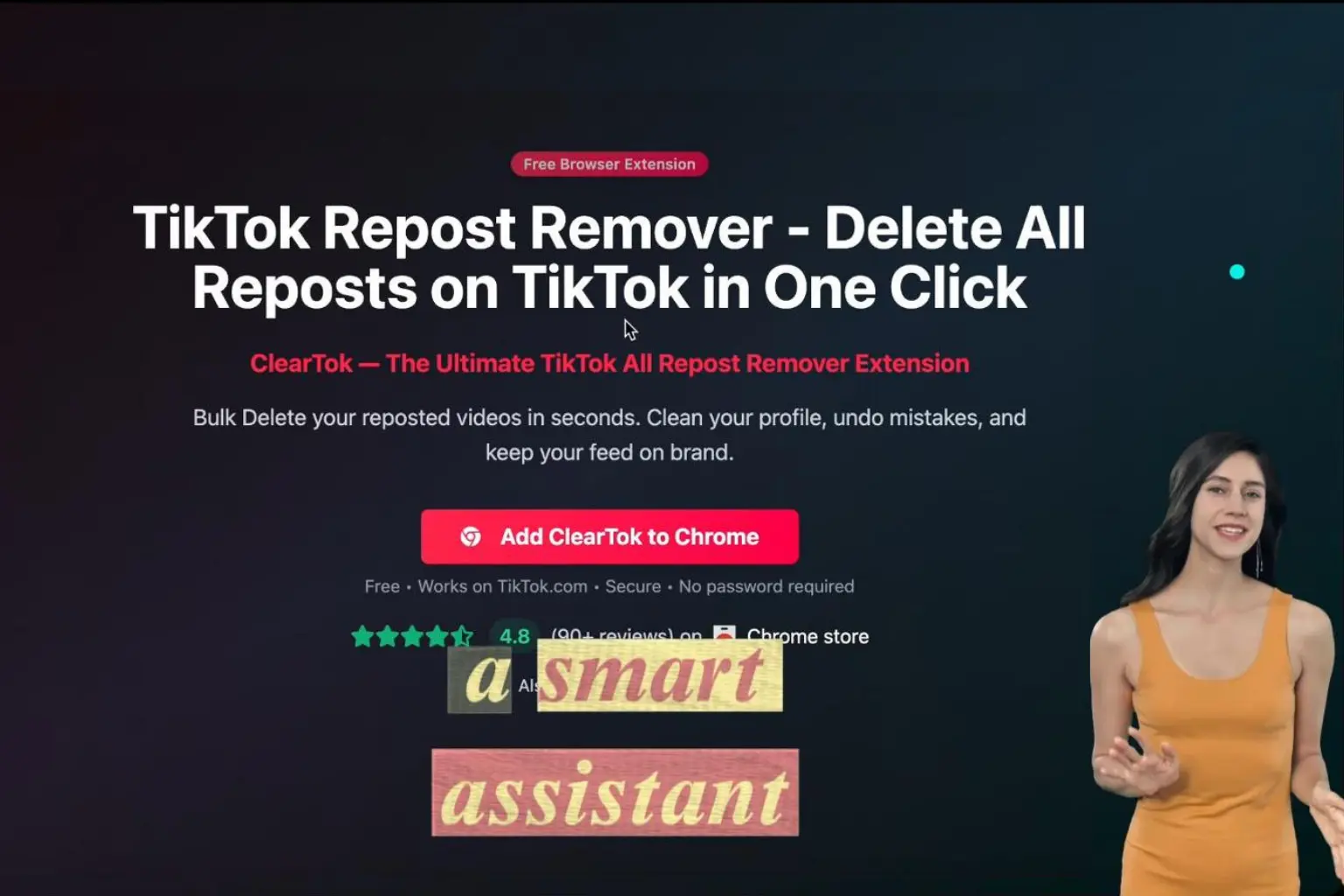
How ClearTok Works: The Safest Way to Remove All TikTok Reposts
Discover how ClearTok's TikTok repost remover extension works through safe browser automation. Learn why it's secure, transparent, and saves you hours of manual work.
TL;DR
- ClearTok is a local browser extension that automates repost removal on TikTok's web UI.
- It does not ask for your TikTok password and only clicks visible buttons you can see.
- Best results come from batching to avoid TikTok rate limits.
What Is ClearTok?
ClearTok is a TikTok repost remover extension for Chrome and Edge. It helps you remove reposts in bulk so you can clean your profile in minutes instead of hours.
How ClearTok Works (Transparent Workflow)
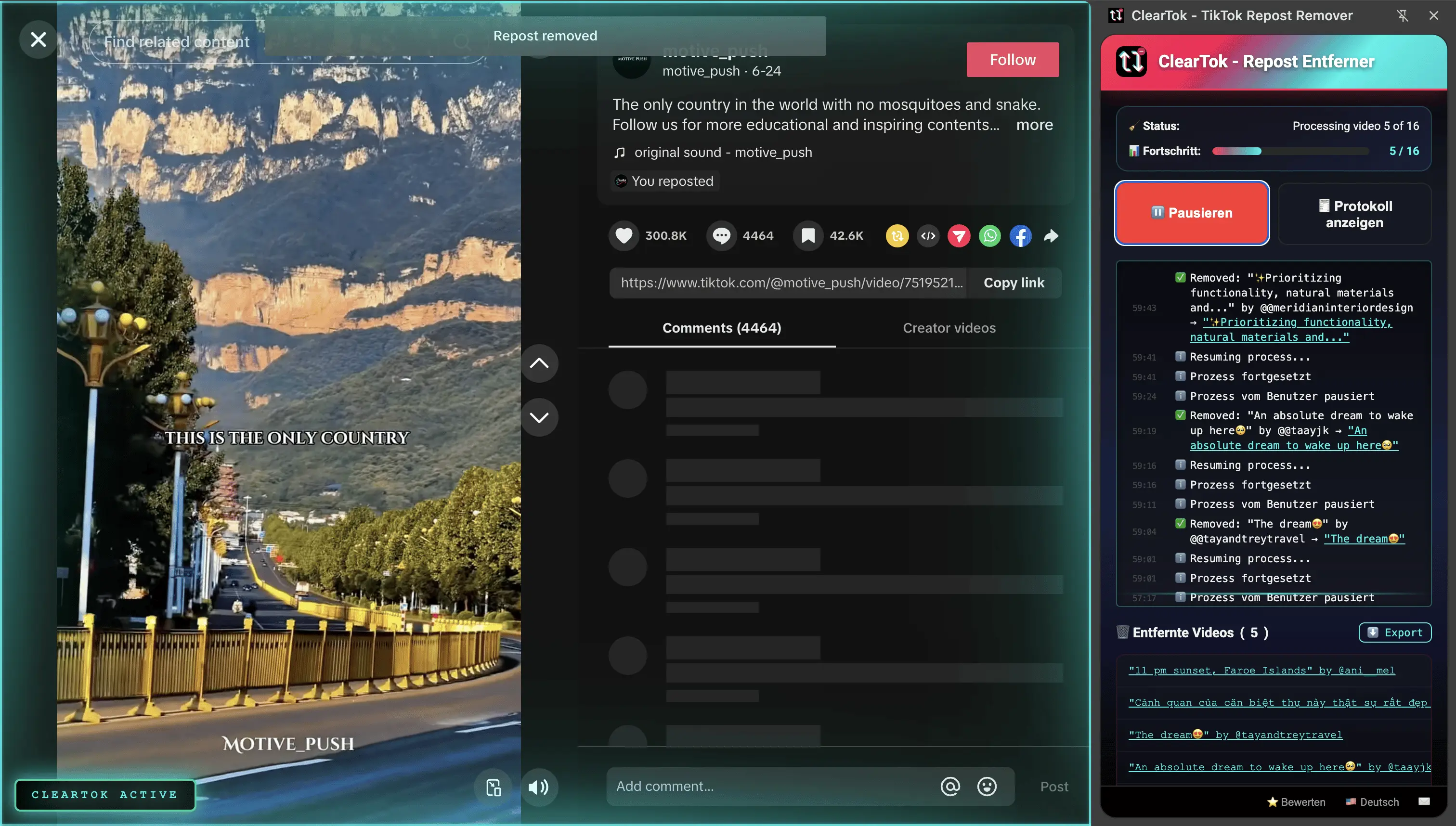
ClearTok uses simple browser automation. It runs inside your logged-in TikTok.com session and automates the same UI actions you would do manually:
- Open TikTok in your browser
- Go to your Reposts tab
- Click Start Removing
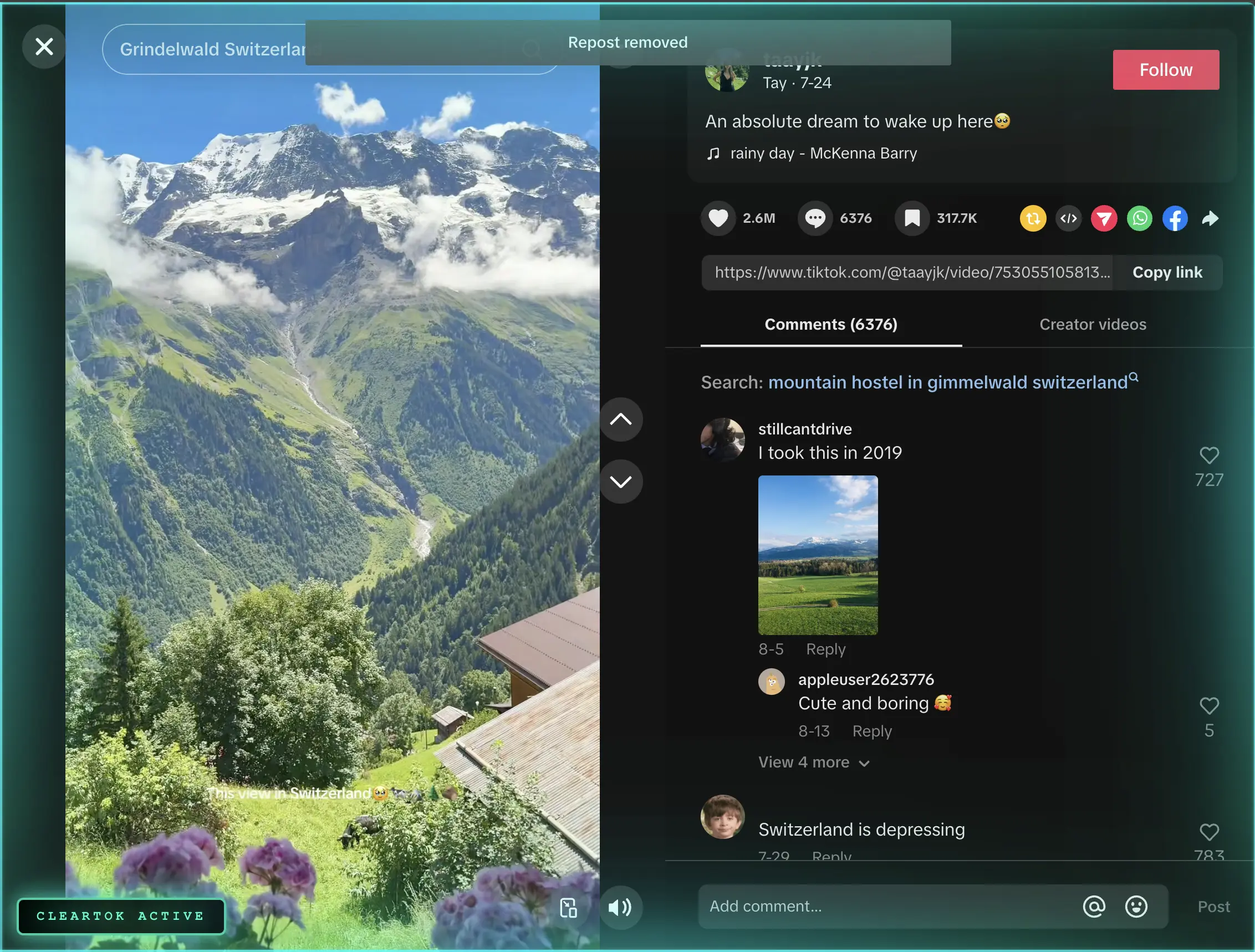
- ClearTok opens each repost and clicks Remove Repost with human-like pacing
It does not use private APIs, and it does not ask for your TikTok password.
Why It's Designed to Be Safe
ClearTok is built to be transparent and local:
- Runs locally in your browser session
- No password required
- No private APIs
- Start/stop anytime with visible actions
Important: No tool can guarantee zero risk. TikTok can change UI elements or apply rate limits at any time. ClearTok simply follows the on-screen flow you can see.
For a deeper dive, read: Is It Safe to Use Tools to Remove All TikTok Reposts?
Why ClearTok Saves So Much Time
Manually deleting reposts means repeat-tapping for every video. ClearTok automates those clicks:
| Number of Reposts | Manual Time | ClearTok Time |
|---|---|---|
| 100 reposts | 30-60 minutes | 3-5 minutes |
| 500 reposts | 2-4 hours | 15-20 minutes |
| 1,000+ reposts | Days | Under 1 hour |
TikTok Rate Limits and Batching
TikTok can slow actions when there is a large volume in a single session. This can cause:
- Slower loading
- Delayed updates on mobile
- Temporary pauses
This behavior is controlled by TikTok, not ClearTok. The safest approach is to delete reposts in batches (for example 200-500 at a time) and take short breaks between runs.
Tips for Smooth Runs
- Keep the TikTok tab focused while removing
- Use batches and short breaks to avoid throttling
- Refresh TikTok after finishing a session
- Check mobile later if the Reposts tab looks cached
Who ClearTok Is For
ClearTok is ideal if you:
- Want to clean a cluttered Reposts tab
- Need a fast, repeatable way to remove reposts
- Prefer a local, browser-based tool over third-party logins
How to Get Started with ClearTok
- Install the extension from the Chrome Web Store or Microsoft Edge Add-ons
- Open TikTok.com and sign in
- Click the ClearTok icon in your toolbar
- Press Start Removing
FAQ: Common Questions About ClearTok
Q: Is ClearTok free?
A: Yes. ClearTok offers a free tier with daily limits. For unlimited removals, see ClearTok Plus.
Q: Does ClearTok work on mobile?
A: ClearTok is a desktop browser extension. Mobile repost removal is manual.
Q: Does ClearTok delete my original videos?
A: No. It only removes reposts from your Reposts tab.
Q: Can I export a list of removed reposts?
A: Yes. ClearTok provides an exportable log with URLs and timestamps.
Q: What if the Reposts tab is missing?
A: TikTok sometimes runs UI tests. Try refreshing, updating the app, or checking Activity Center. See: How to See Reposts on TikTok
Final Thoughts
ClearTok gives you a fast, transparent way to remove reposts using the same UI actions you already know. If you want a clean profile without hours of manual tapping, this is the simplest path.
Related Guides
Ready to Try ClearTok?
Stop deleting reposts one by one. Get ClearTok and clean up your entire TikTok profile in minutes.